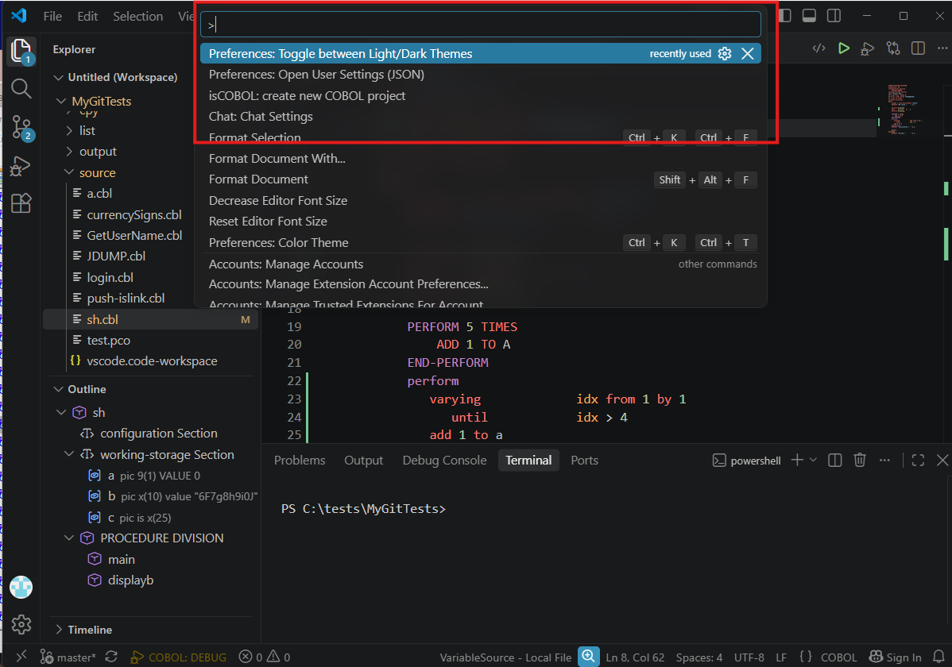
Starting with 2026R1, Veryant added dark mode support for VS Code and the Graphical Debugger. In 2026R2, dark mode support was added to the Application Server Administration Panel and Gife.
VS Code
Open the Command Palette and run:
Preferences: Toggle between Light/Dark Themes
Select the theme you want to use.
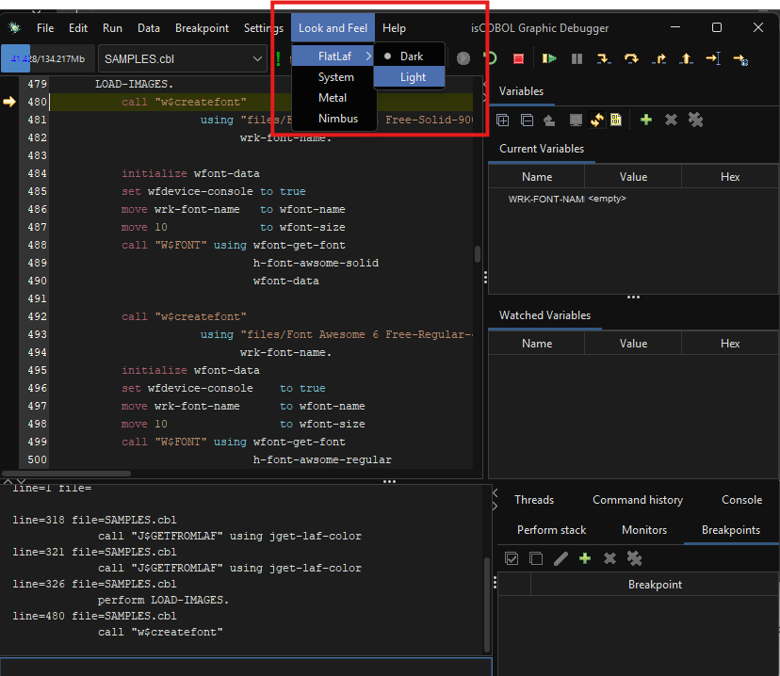
Graphical Debugger
To switch between light and dark mode, use the Look and Feel menu.
The selected theme is saved automatically and will be used for future debugging sessions.
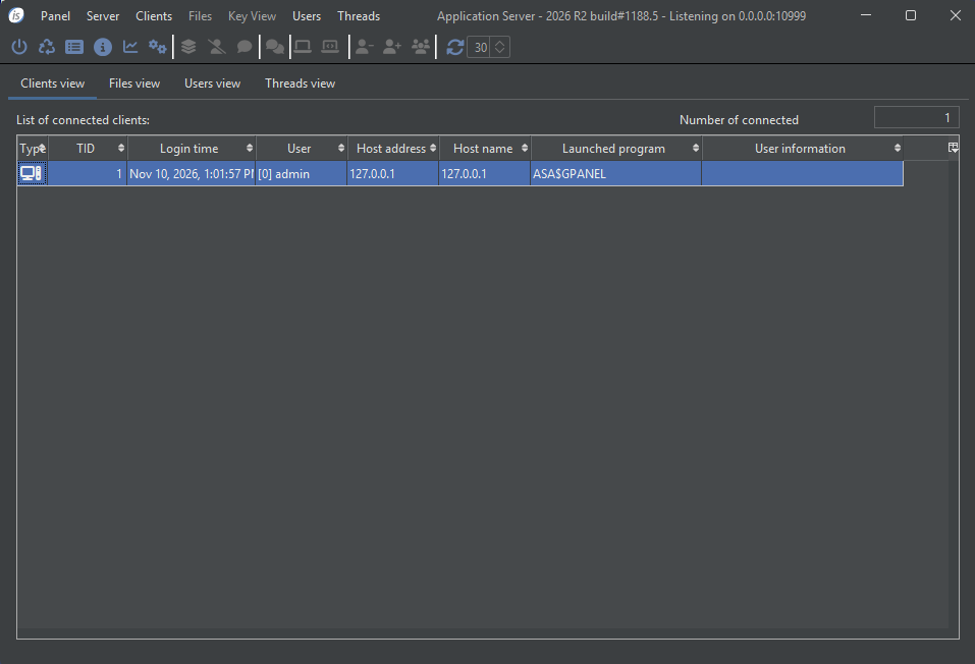
Application Server Administration Panel
To run the Application Server Administration Panel in dark mode, add the --flatlaf FlatDarkLaf option to the command line:
iscclient --flatlaf FlatDarkLaf -user admin -password admin -panel
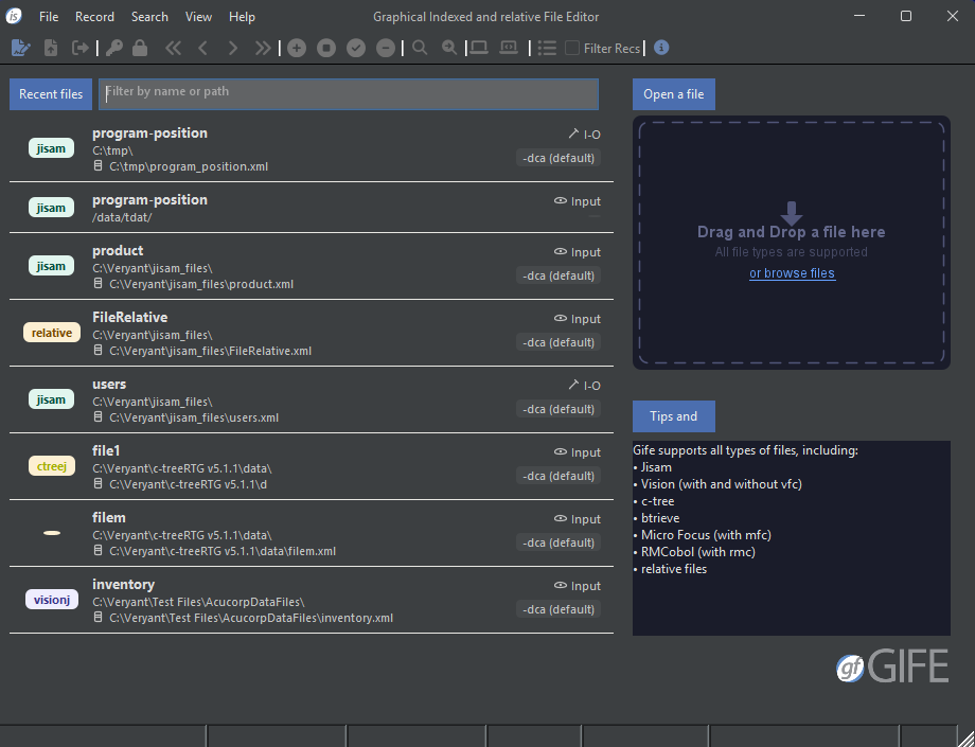
Gife
Gife can be started in either of the following ways:
To run Gife in dark mode, start it using the second method and add the --flatlaf FlatDarkLaf option:
iscrun --flatlaf FlatDarkLaf -utility GIFE
Article ID: 363
Created: November 17, 2026
Last Updated: November 17, 2026
Author: Support KB Author
Online URL: https://support.veryant.com/phpkb/article.php?id=363