How to Change the Browser Tab’s Icon When Running You Application in WebClient
Estimated Reading Time: 1 MinutesThe default browser tab’s icon is the Veryant logo. You can change this to your own logo easily with your own icon. Here’s what the default browser tab looks like:

If you want to replace the icon in all applications run by Webclient, you can replace the icon file in WebClient’s war file.
- Open %ISCOBOL%\webclient\webclient-server.war file in a file decompression tool tool like 7zip. Notice the file named “favicon.ico”.
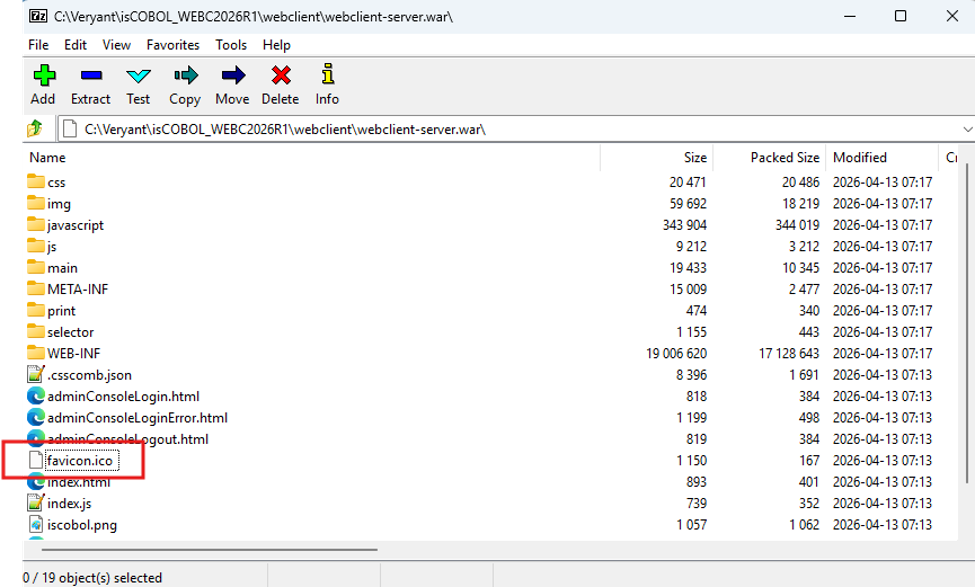
- This is the file you need to replace with your .ico file. Name it the same name: ico.
- Stop and restart the application server and WebClient.
If you need to change the icon for an individual WebClient application, follow these steps.
- Create a web folder by clicking on the “Create Web Folder” button in your Web Configuration
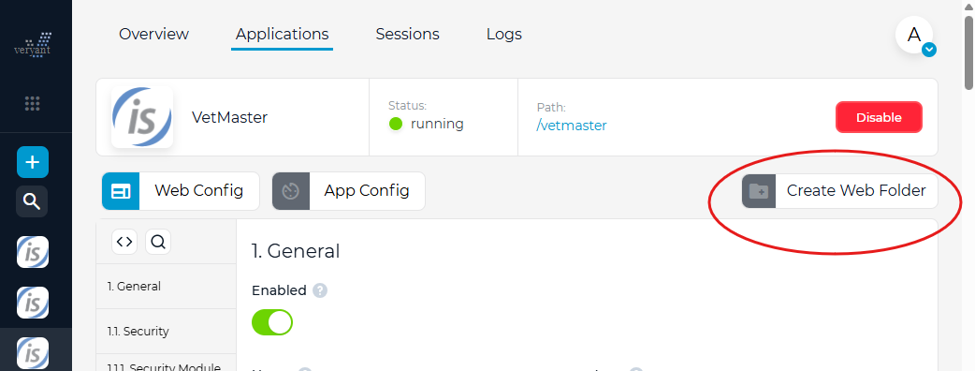
This will create folder with “index.html” and “Index.js” files to be used just for this application.
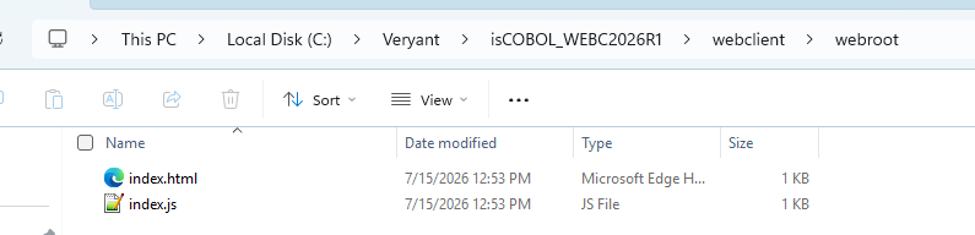
- For multiple applications with different icons, you can rename and move this folder, pointing to its new name and location in the “Web Folder” field of your application.
- Add your icon to the folder.
- Open index.html and replace “favicon.ico” to the name of your icon. Add “?v=2” to the end of the icon name to force the app to restart without having to restart WebClient.
<link rel="icon" href="favicon.ico"/>
becomes
<link rel="icon" href="./v_icon.ico?v=2"/>
Now we have a modified browser tab that looks like this – improving your product branding and giving your users a professional experience.