How to filter the “Problems” view to limit display to one program or file
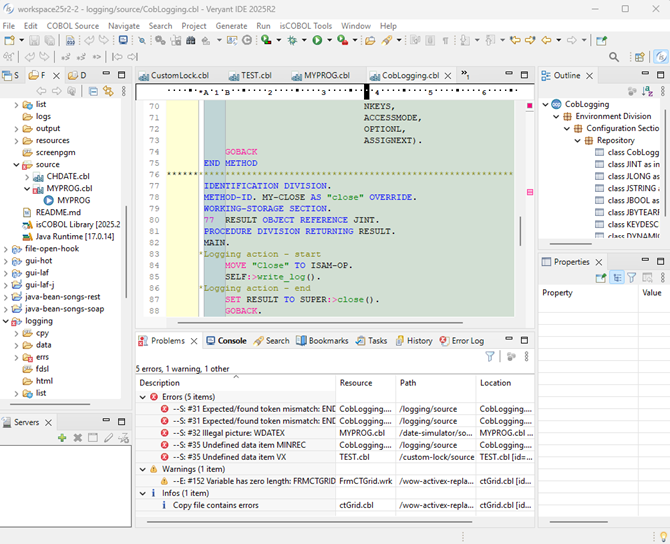
Estimated Reading Time: 1 MinutesWhen building a project or a complex program, you often find errors, warnings and infos in the “Problems” view for multiple files, and this can be confusing. For instance, here is the problems tab for six different programs.
Here are the steps to limit the output to just the program that has the focus in your project:
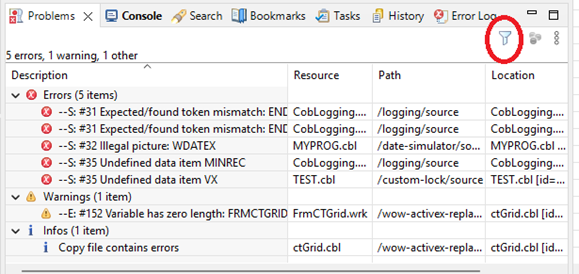
- Click on the filter icon.
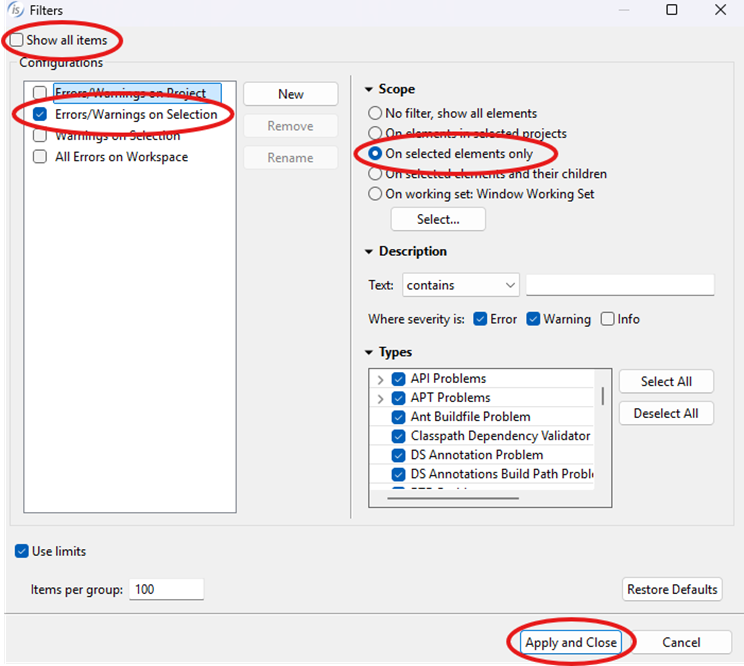
- This screen will appear. Uncheck the “Show all items” check-box in the top right corner to override the default handling. Then check the “Errors/Warnings on Selection” configuration and the “On selected elements only” scope. Apply and Close.
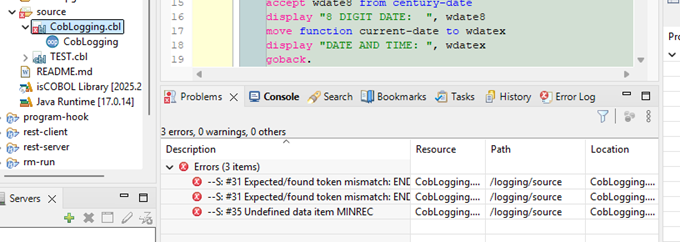
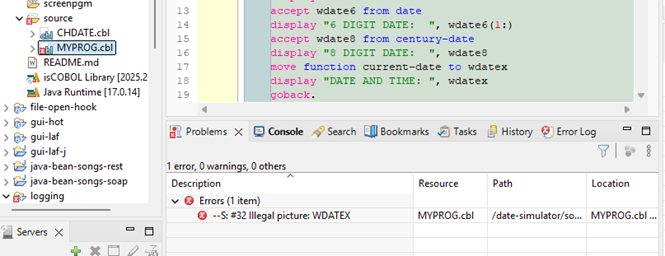
Now, when you click on different program source code files in your project, only the errors for that item will display in the problems window. For instance, when selection is on CobLogging.cbl only the errors for that program display. When the selection is MyProg.cbl, only those program errors display.